Free instant play
Play free with no download and no account required.
Ready to play Frisbee Golf?
Launch instantly in your browser. No download required.
About Frisbee Golf
Play Frisbee Golf on ShadowBot.
Frisbee Golf is a golf browser game you can play directly on ShadowBot without installing a separate app. It is embedded from the official GamePix catalog. Uses a landscape layout with more room on tablets, laptops, and desktop screens.
Frisbee Golf belongs to the golf category, which helps players discover similar games faster on ShadowBot.
The all layout makes it easier to understand how this game is designed to be played in the browser.
Because the game is embedded directly on ShadowBot, players can start immediately without leaving the site or creating an account.
Category overview: Browse golf browser games on ShadowBot.
How to play Frisbee Golf
- 1Start Frisbee Golf in the player above and wait for the game menu to finish loading.
- 2Use the instructions shown inside the game to learn its keyboard, mouse, or touch controls.
- 3Play a short first round, then restart and apply the tips below to improve your score or progress.
Gameplay tips
- Use the first attempt to learn the movement rhythm rather than chasing a record.
- Watch the space ahead of your character so hazards do not become last-second surprises.
Controls are provided by the game publisher and can vary by device. If something does not work, use the report button and include your browser and device.
Players also try
More golf picks and nearby matches from the ShadowBot library.
 golf
Oh My Golf
Instant play
 golf
Little Golf
Instant play
 golf
Mini Golf 3D - Island Course
Instant play
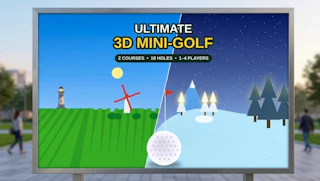 golf
Ultimate 3D Mini-Golf
Instant play
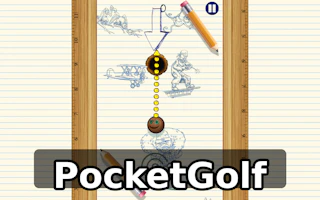 golf
PocketGolf
Instant play
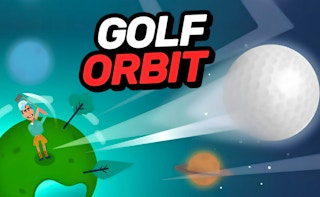 golf
Golf Orbit
Instant play
Frisbee Golf
Play Frisbee Golf on ShadowBot.
- Orientation
- all
- Frame size
- 800 × 600
- Source
- GamePix
This game runs directly on ShadowBot using the official GamePix feed.