Free instant play
Play free with no download and no account required.
About Fruit Match Quest
Play Fruit Match Quest on ShadowBot.
Fruit Match Quest is a match 3 browser game you can play directly on ShadowBot without installing a separate app. It is embedded from the official GamePix catalog. Uses a landscape layout with more room on tablets, laptops, and desktop screens.
Fruit Match Quest belongs to the match 3 category, which helps players discover similar games faster on ShadowBot.
The all layout makes it easier to understand how this game is designed to be played in the browser.
Because the game is embedded directly on ShadowBot, players can start immediately without leaving the site or creating an account.
Category overview: Match-3 puzzle games built for quick sessions and satisfying combos.
How to play Fruit Match Quest
- 1Start Fruit Match Quest in the player above and wait for the game menu to finish loading.
- 2Use the instructions shown inside the game to learn its keyboard, mouse, or touch controls.
- 3Play a short first round, then restart and apply the tips below to improve your score or progress.
Gameplay tips
- Look for moves that create a second match automatically after pieces fall.
- Save special pieces until they can clear multiple objectives together.
Controls are provided by the game publisher and can vary by device. If something does not work, use the report button and include your browser and device.
Players also try
More match 3 picks and nearby matches from the ShadowBot library.
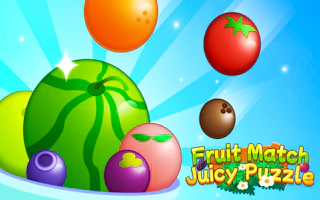
Fruit Match Juicy Puzzle
Play Fruit Match Juicy Puzzle on ShadowBot.
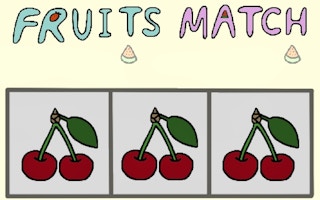
Fruits Match
Dive into the vibrant world of Fruits Match, where colorful tiles beg to be aligned. Engage your strategic mind with addictive match-three mechanics, exhilarating power-ups, and cascading combos. Conquer progressively challenging levels and climb the leaderboard in this visually stunning puzzle adventure. Perfect for endless cerebral enjoyment!
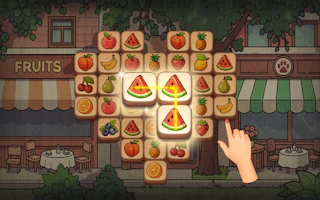
Fruit Cafe: Match 3
Play Fruit Cafe: Match 3 on ShadowBot.
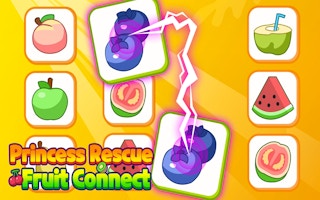
Princess Rescue Fruit Connect
Embark on a vibrant puzzle quest in Princess Rescue Fruit Connect. Strategically match fruits to clear challenging levels, all while racing against time to save the princess. Utilize clever tactics and power-ups as you delve deeper into this ever-evolving, fruity adventure. Are you ready to connect and conquer?
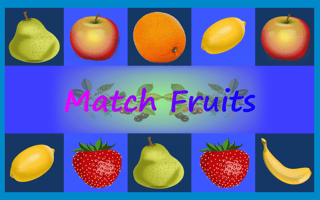
Match Fruits
Dive into the vibrant world of Match Fruits, where you connect colorful fruit chains to score big. Race against time in 72 unique stages, unlocking special fruits and climbing global leaderboards. With strategic moves and high-speed swipes, revel in addictive, fast-paced fun that’s perfect for casual and competitive gamers alike.
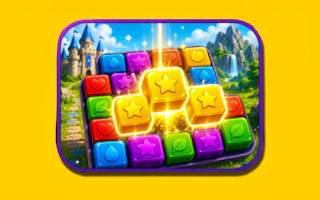
Cubes Match 3 Quest
Play Cubes Match 3 Quest on ShadowBot.
Fruit Match Quest
Play Fruit Match Quest on ShadowBot.
- Orientation
- all
- Frame size
- 800 × 600
- Source
- GamePix
Explore similar styles
This game runs directly on ShadowBot using the official GamePix feed.